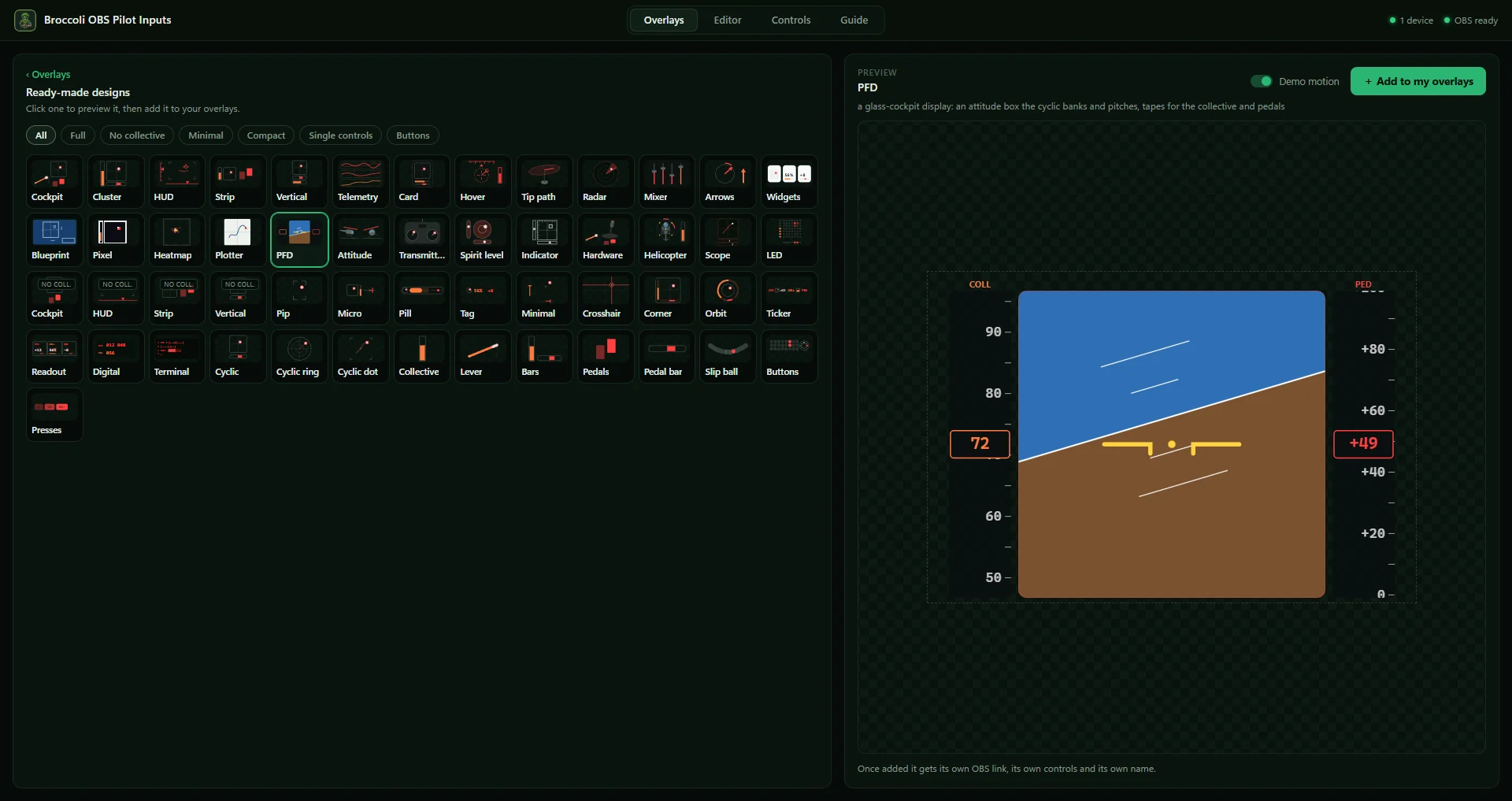
55 ready-made designs
Cockpits, HUDs, instruments, compact strips and single controls. Click one and the preview moves with your own stick, throttle and pedals; add it and it gets its own OBS link.
 broccolipilotRotary flight guide
Your cyclic, collective and pedals on stream, as OBS overlays — from any HOTAS or HOSAS, with a see-through background over your game. Free, for Windows.
Windows 10 / 11 · 55 designs · works with any game controller
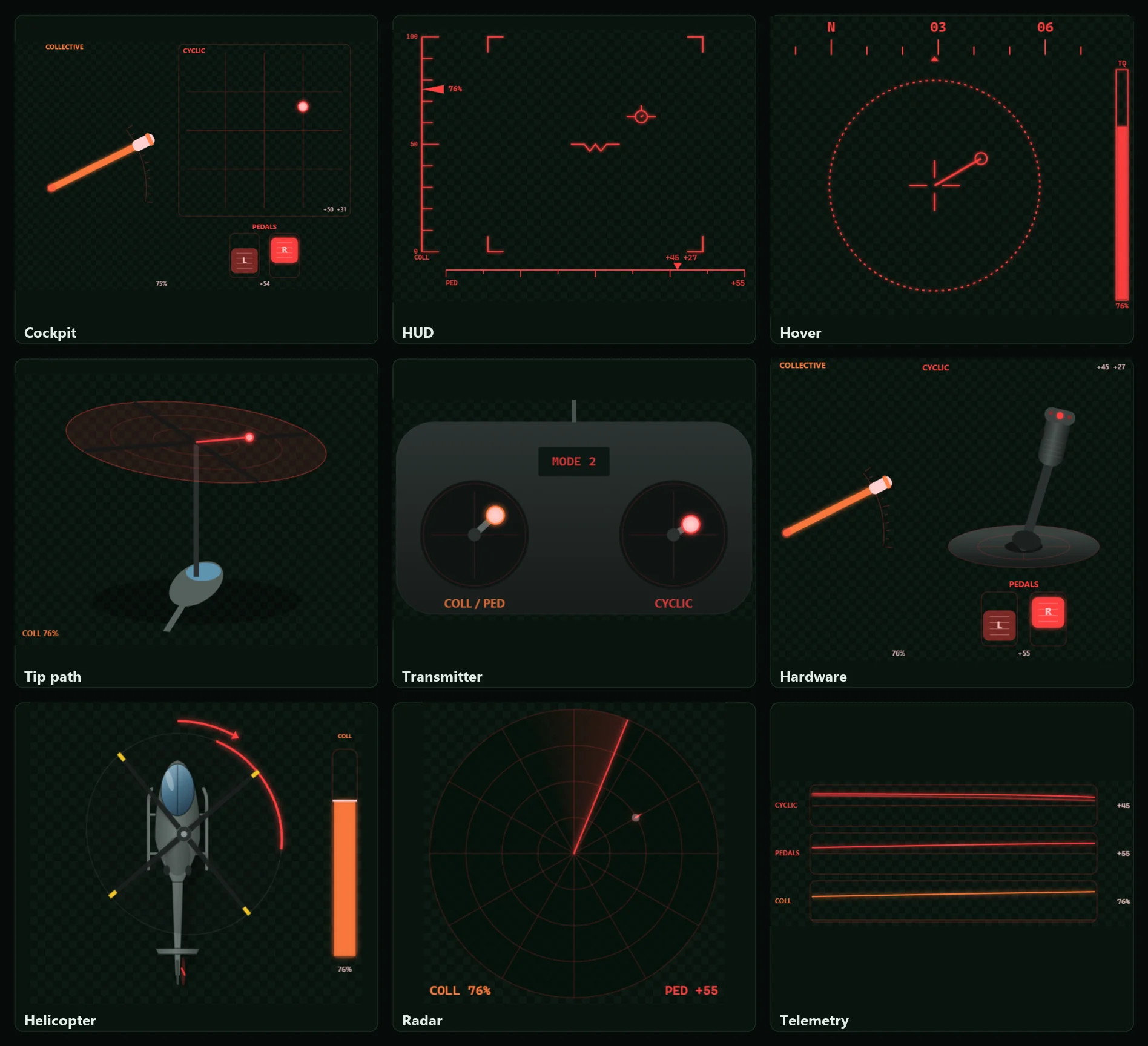
Nine of the designs, moving with the controls. Each one is its own Browser Source, so you can run as many as you like at once.
Cockpits, HUDs, instruments, compact strips and single controls. Click one and the preview moves with your own stick, throttle and pedals; add it and it gets its own OBS link.
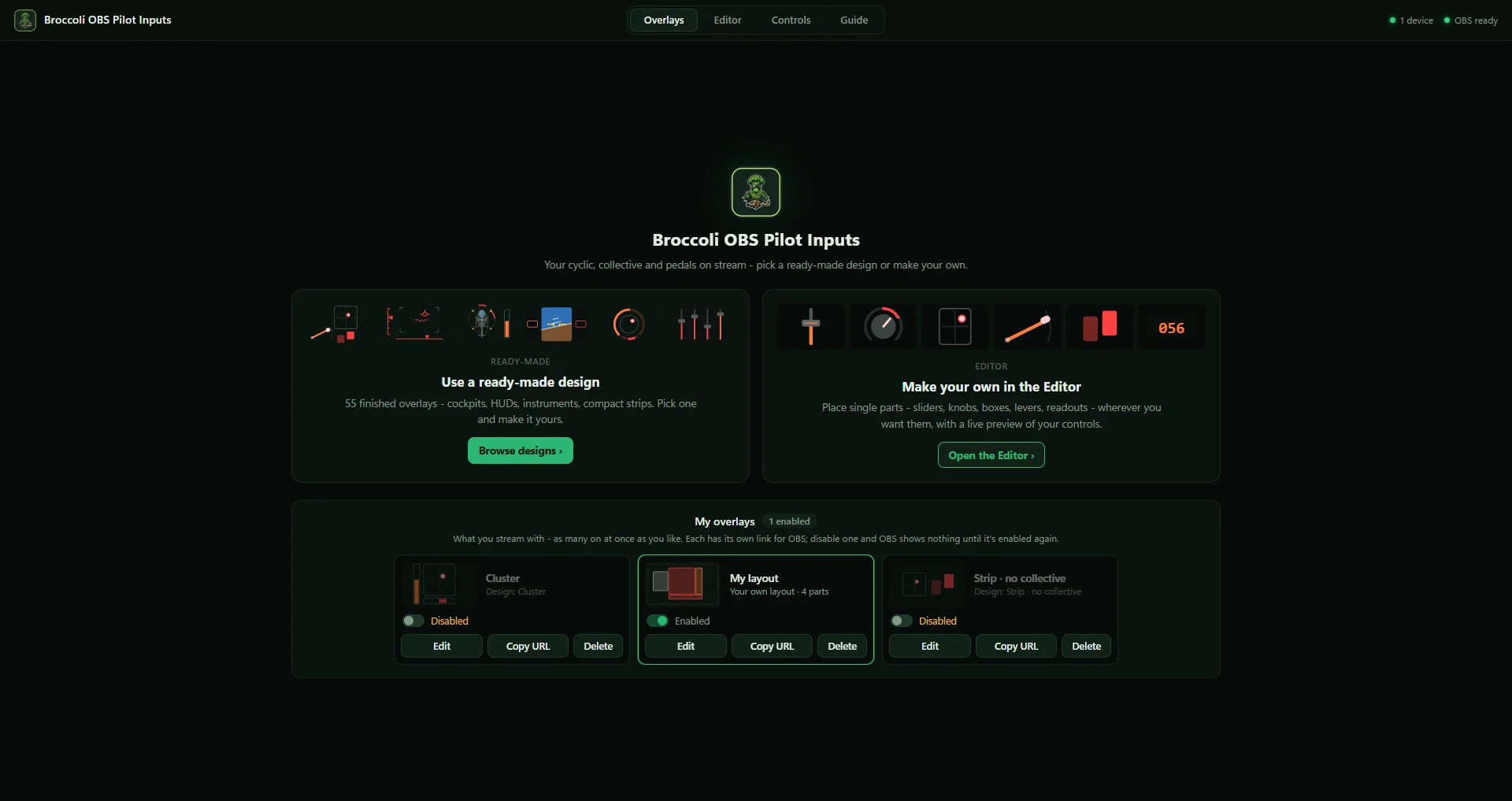
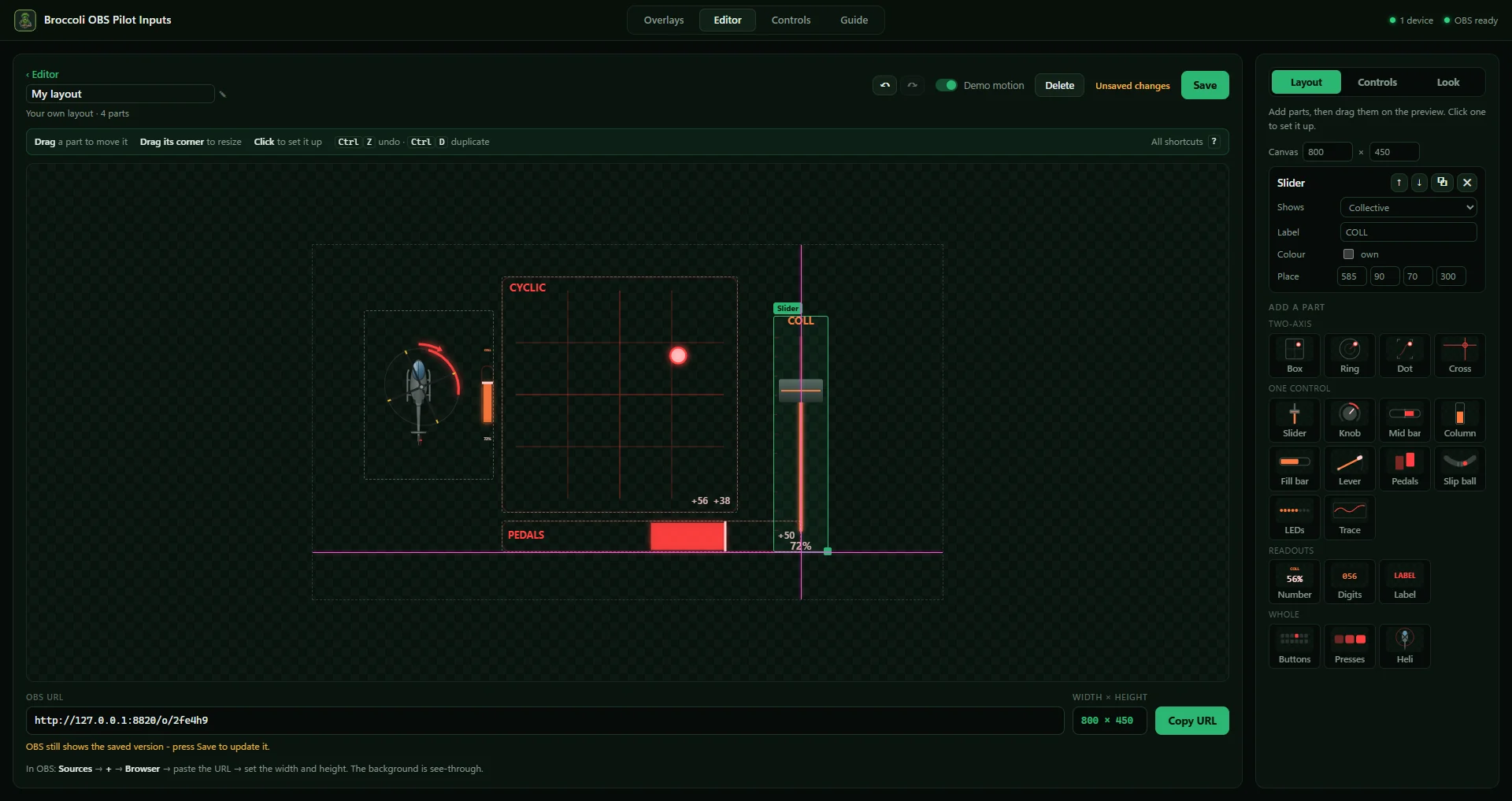
Sliders, knobs, boxes, levers, readouts — drag them onto a live preview. Parts snap into line with guide lines, every change can be undone, and it works like an editor should: press ? for the shortcuts.
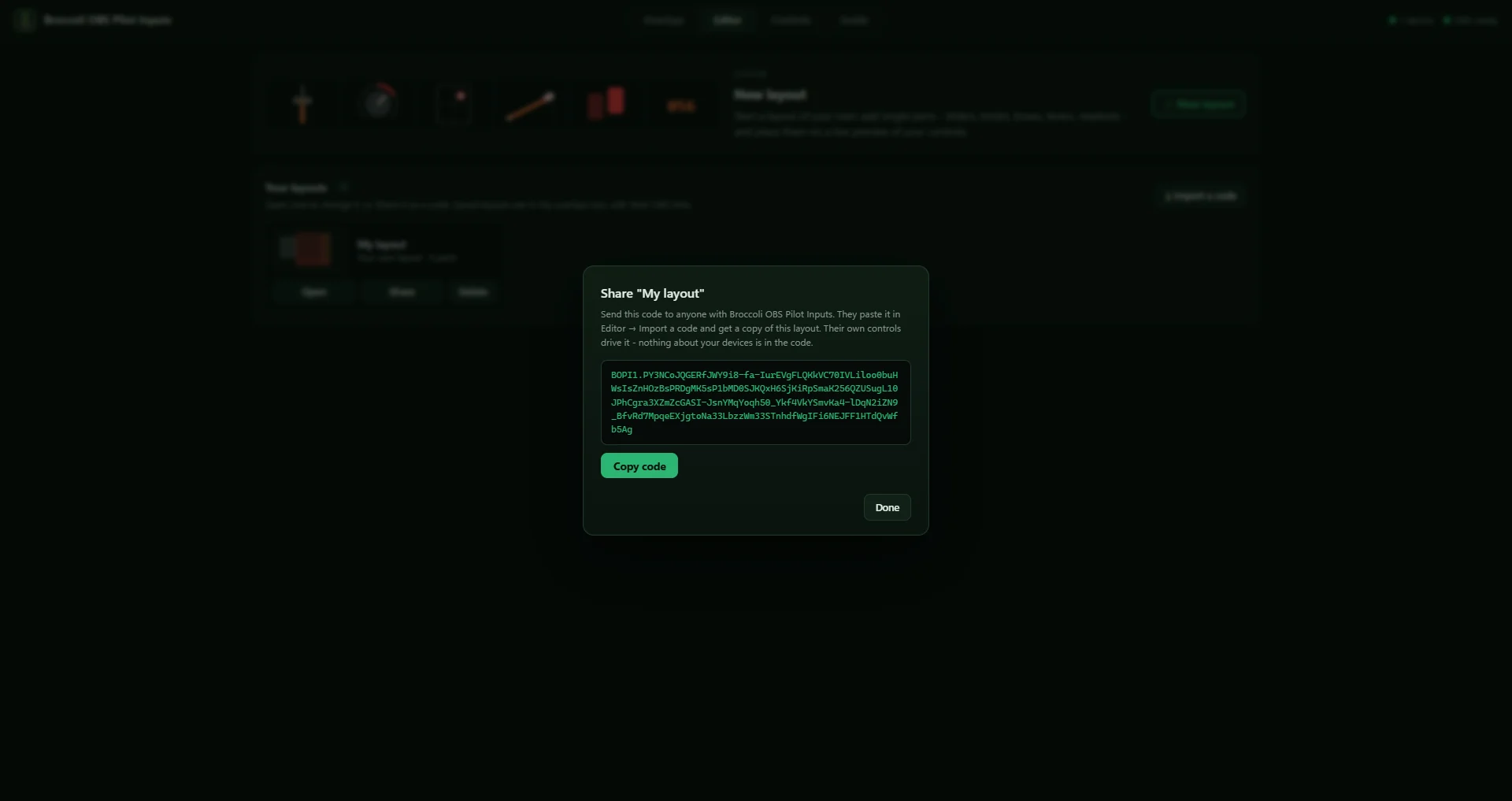
One line of text another pilot pastes into Import a code. They get your layout, driven by their own controls — nothing about your devices is in it.
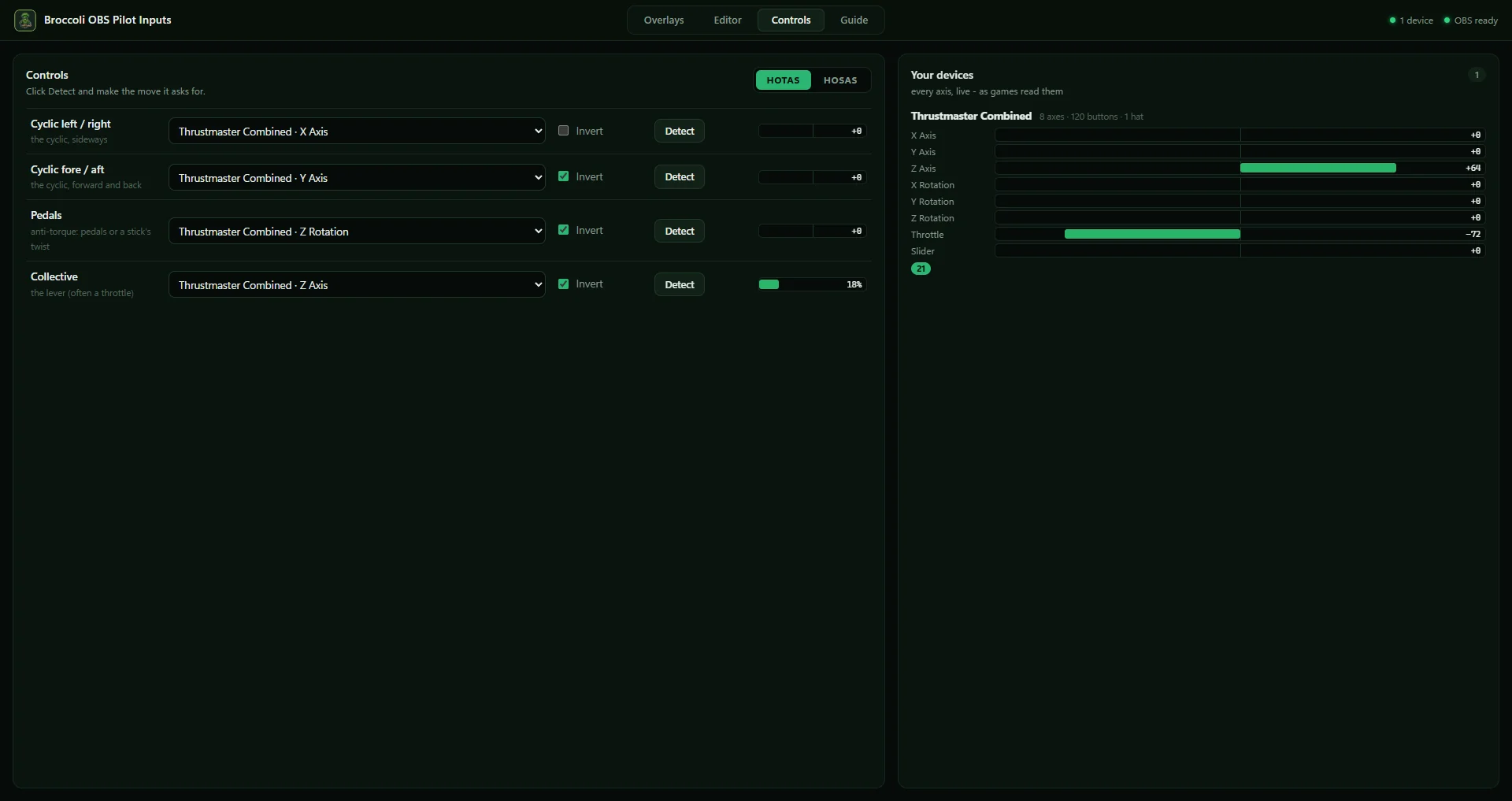
Pick HOTAS or HOSAS, press Detect and move the control it asks for. Every device is read the way games read it, so the overlay shows exactly what the sim gets.
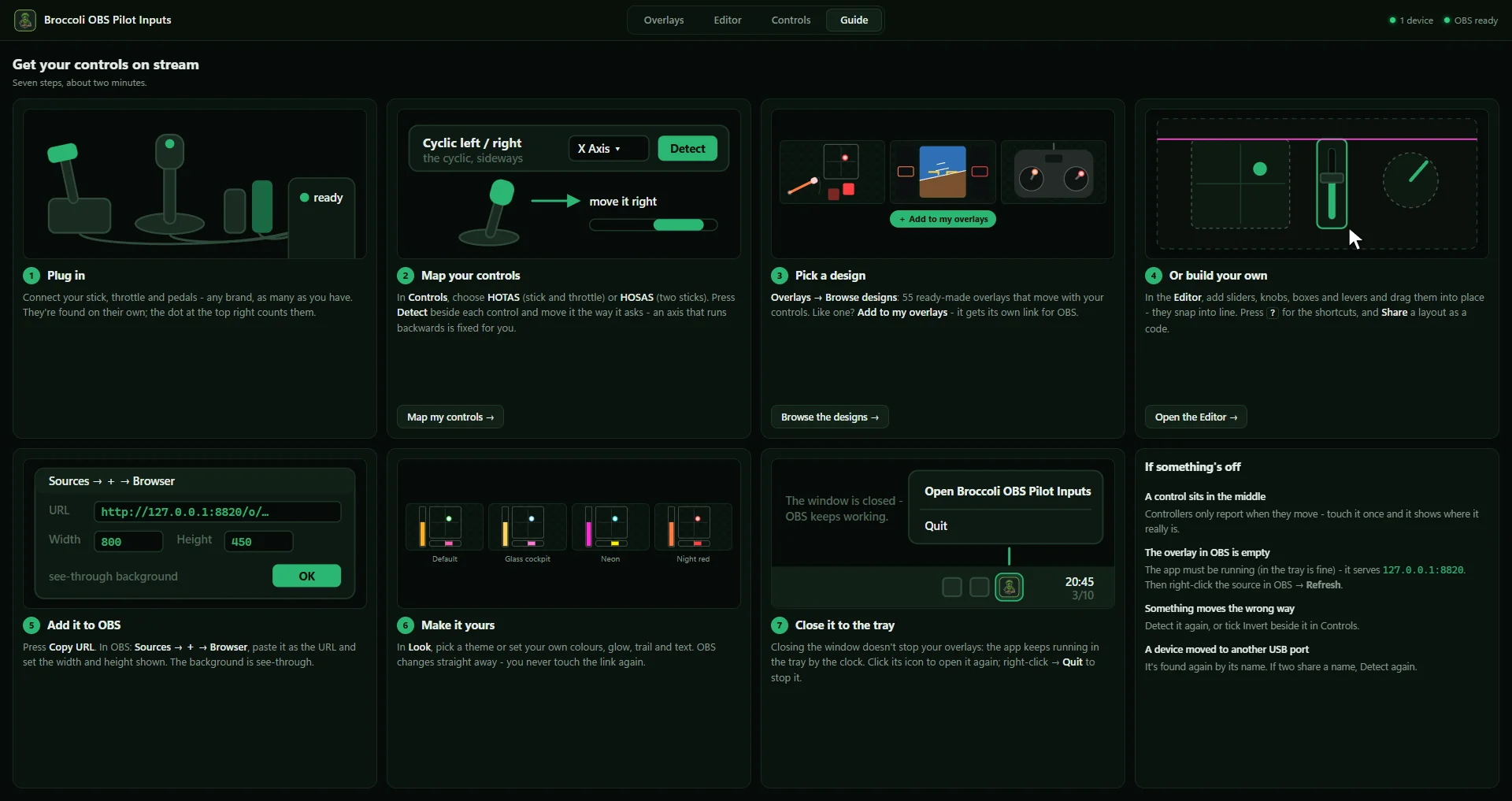
A picture guide from plugging in to the Browser Source in OBS. Close the window and the app keeps serving your overlays from the tray.
55 designs, each drawn here the way the app shows them. Colours, glow, trail and text are yours to change — and the Editor builds anything else from single parts.
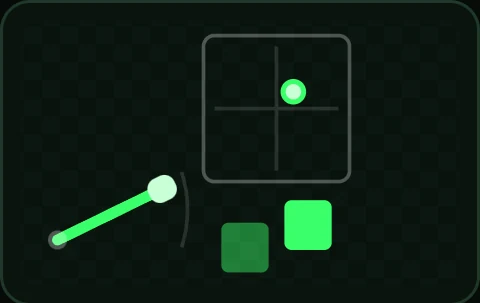 Cockpit
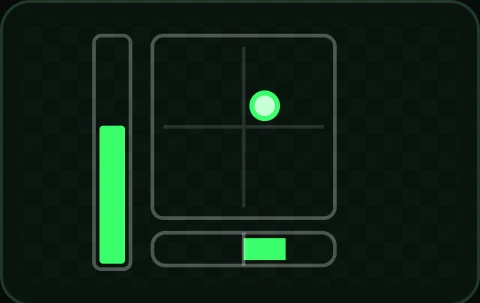 Cluster
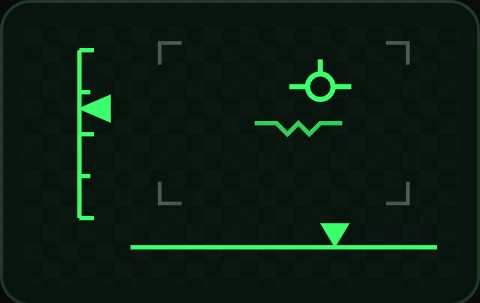 HUD
HUD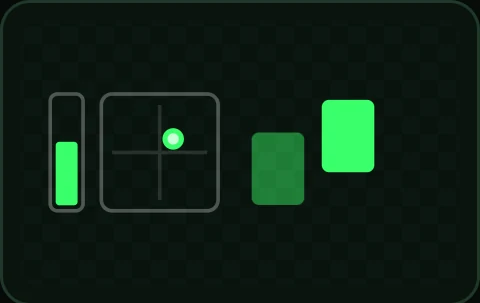 Strip
Strip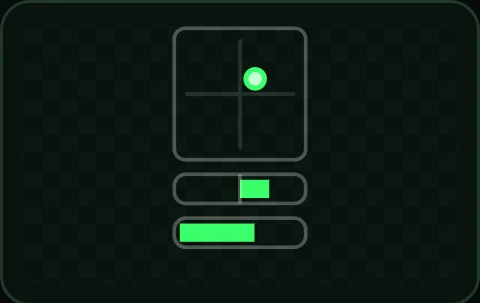 Vertical
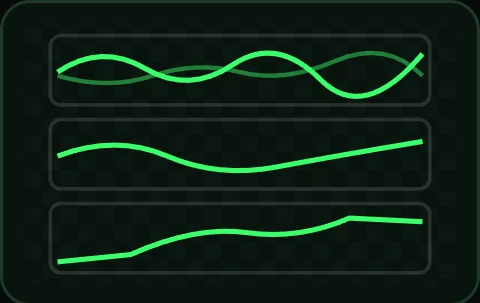 Telemetry
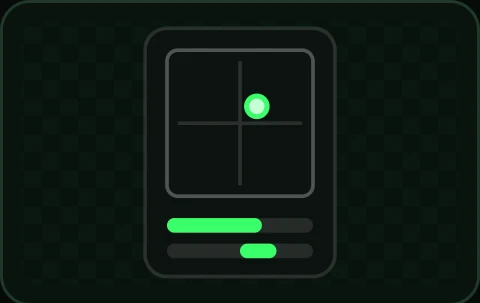 Card
Card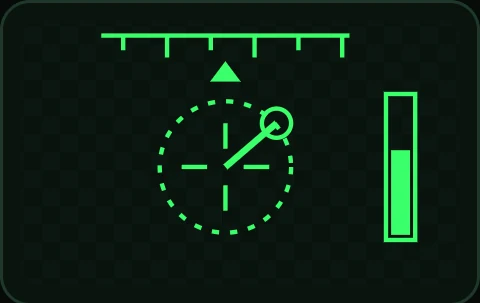 Hover
Hover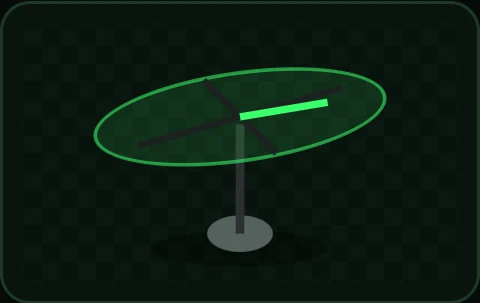 Tip path
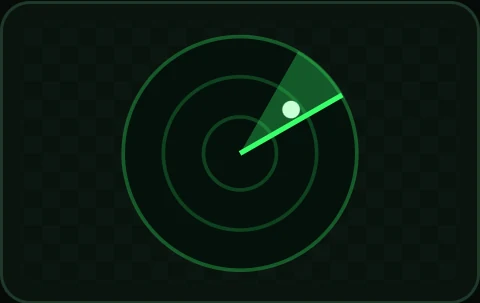 Radar
Radar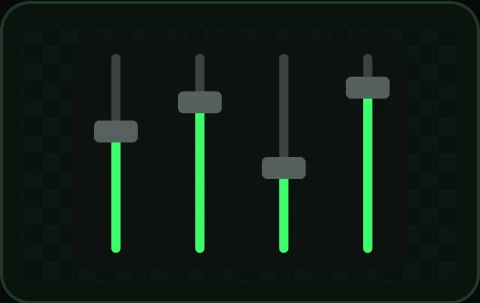 Mixer
Mixer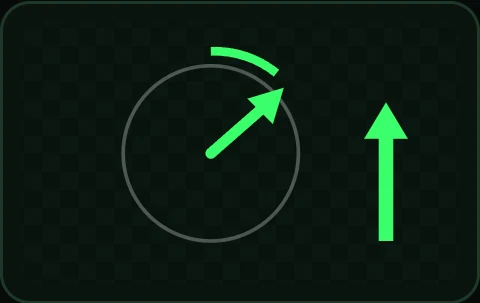 Arrows
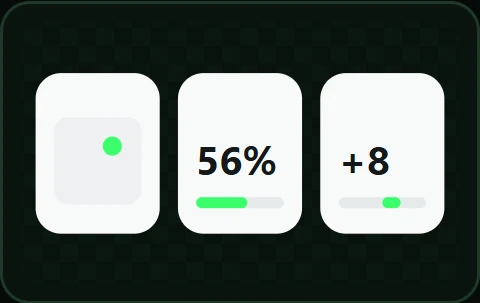 Widgets
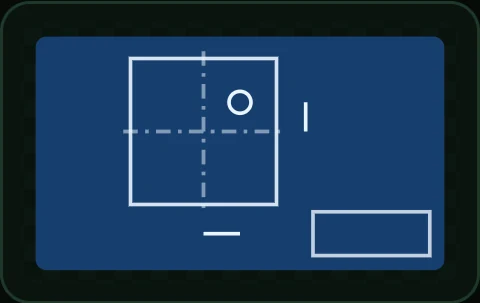 Blueprint
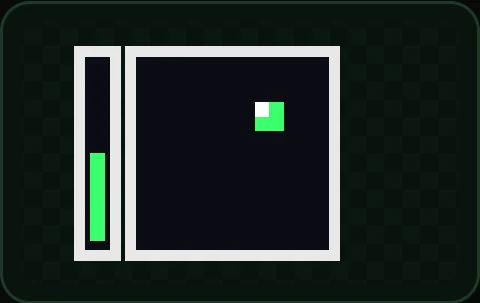 Pixel
Pixel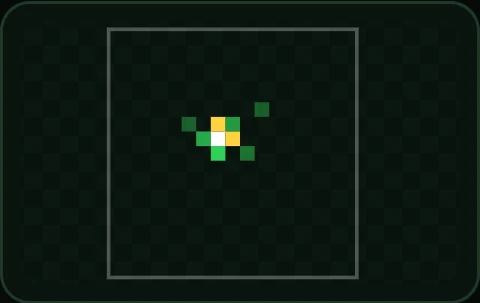 Heatmap
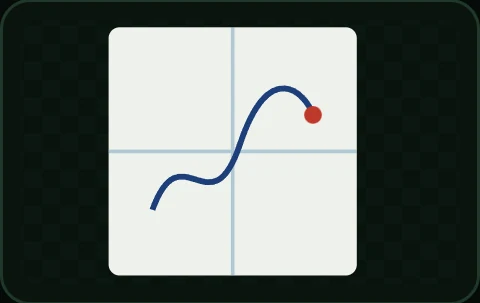 Plotter
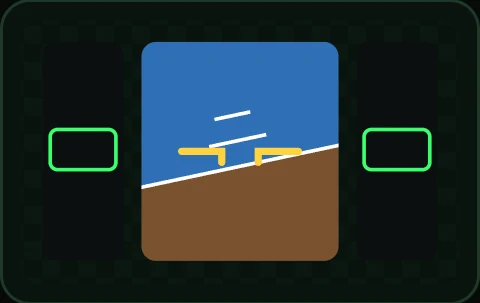 PFD
PFD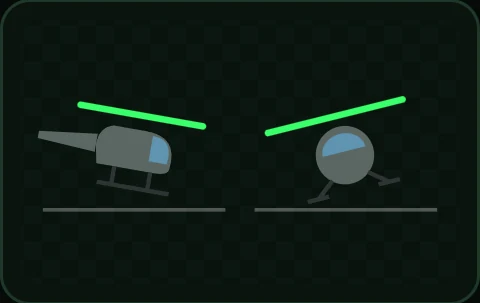 Attitude
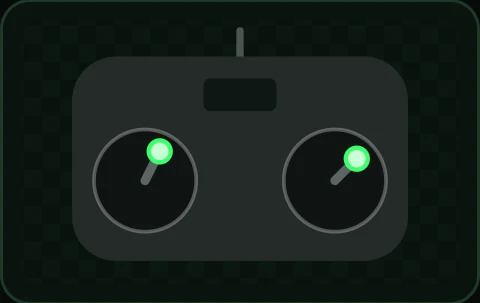 Transmitter
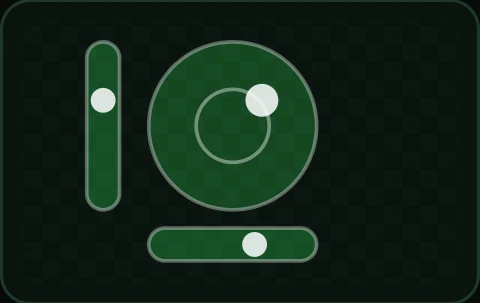 Spirit level
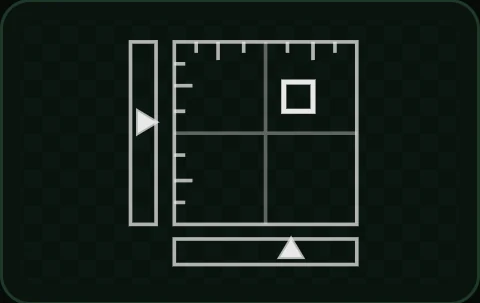 Indicator
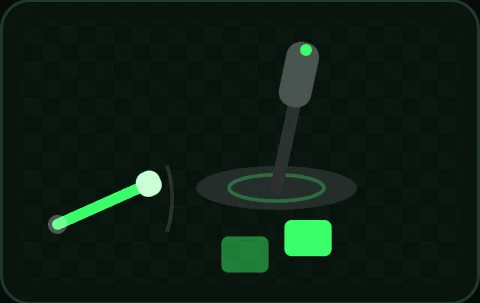 Hardware
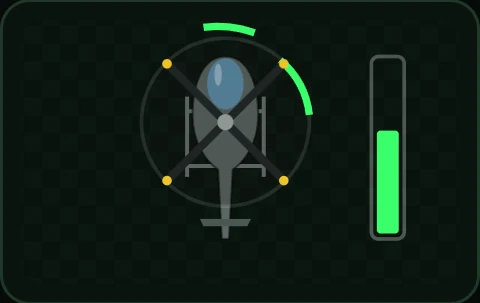 Helicopter
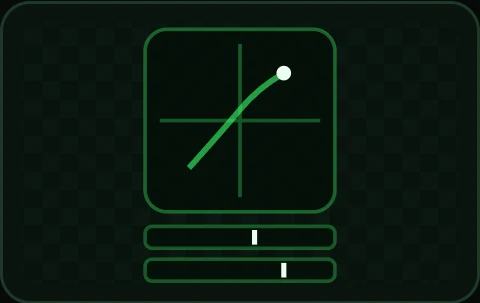 Scope
Scope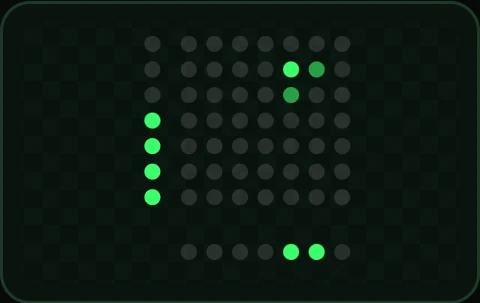 LED
LED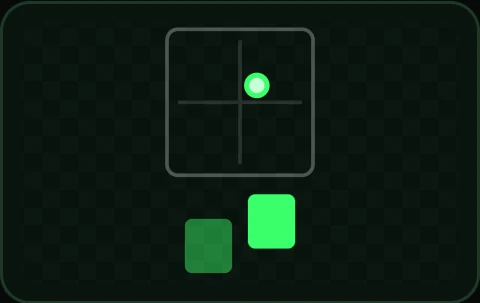 Cockpit
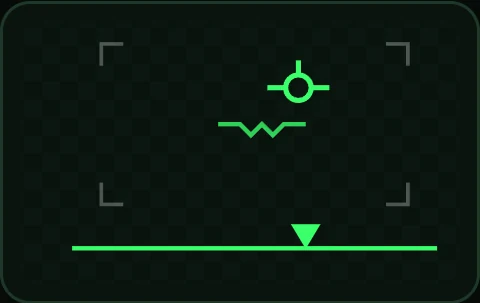 HUD
HUD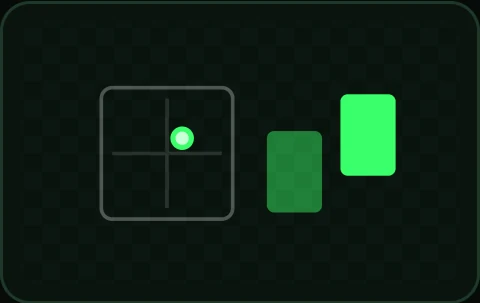 Strip
Strip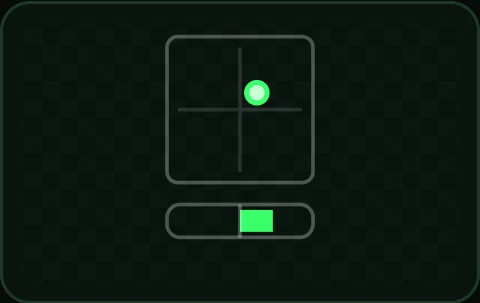 Vertical
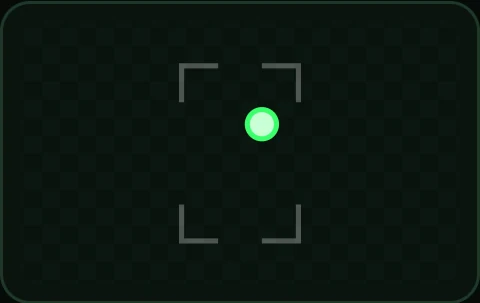 Pip
Pip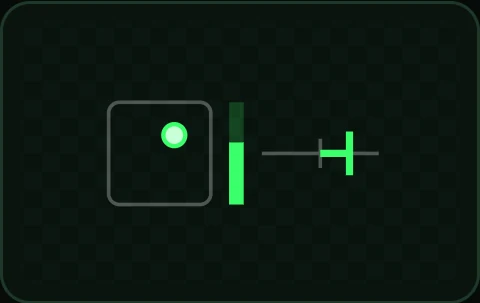 Micro
Micro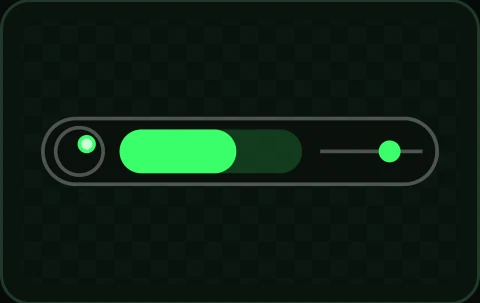 Pill
Pill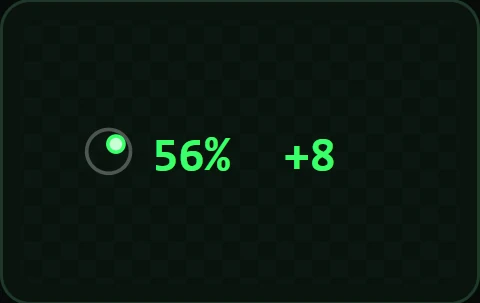 Tag
Tag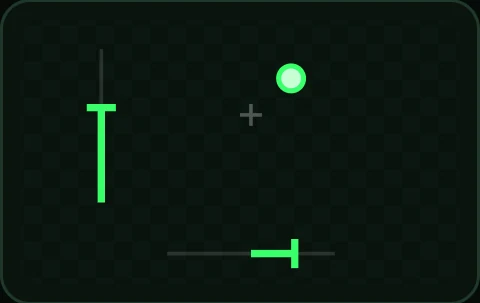 Minimal
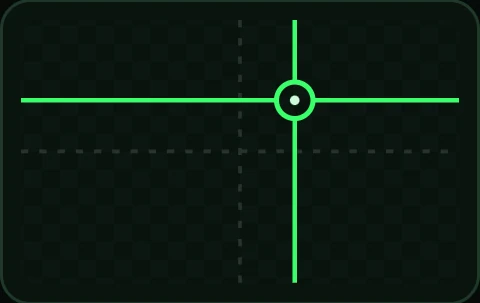 Crosshair
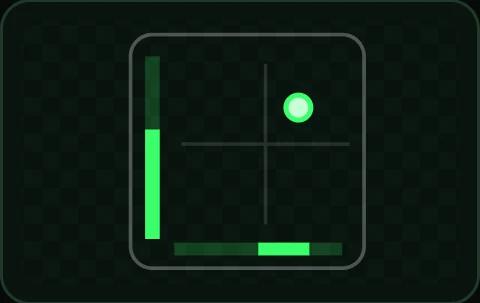 Corner
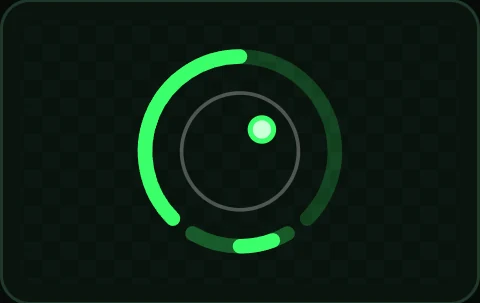 Orbit
Orbit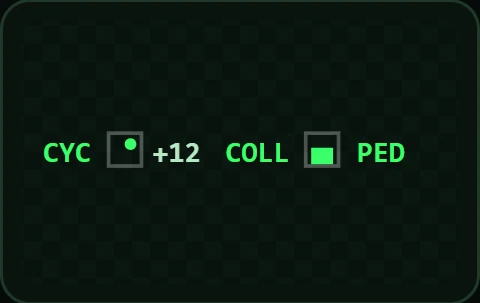 Ticker
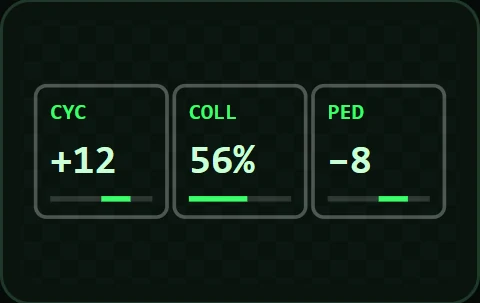 Readout
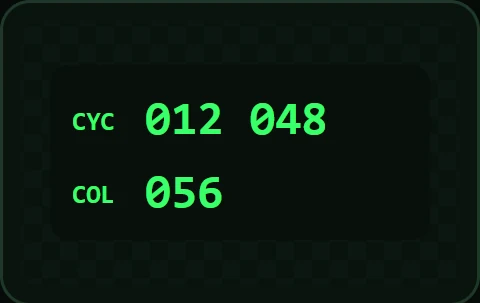 Digital
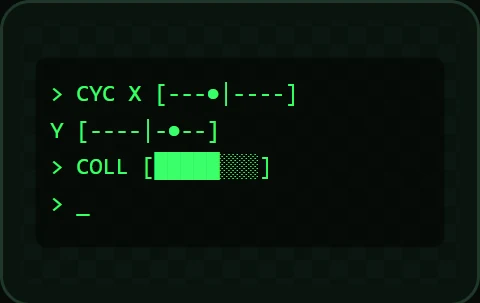 Terminal
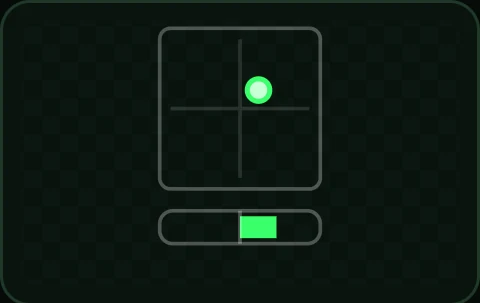 Cyclic
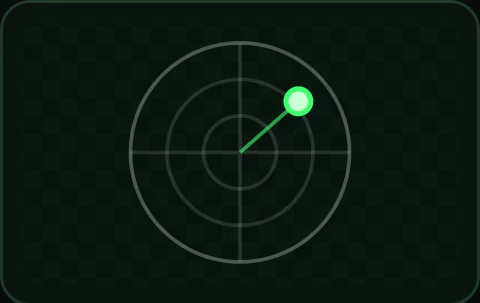 Cyclic ring
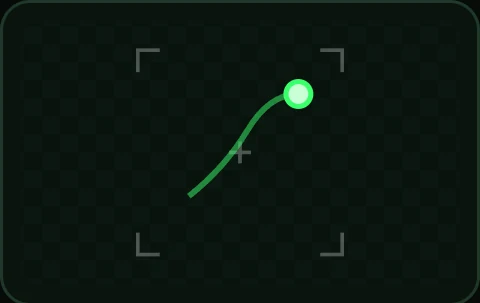 Cyclic dot
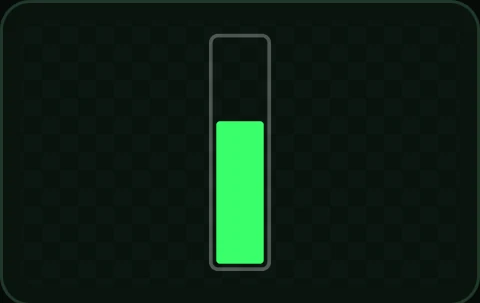 Collective
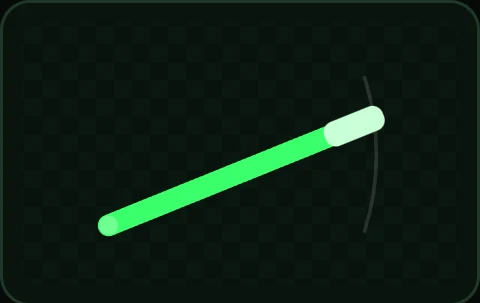 Lever
Lever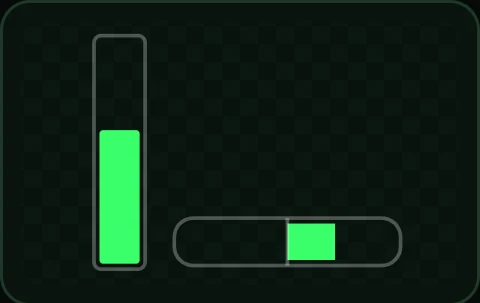 Bars
Bars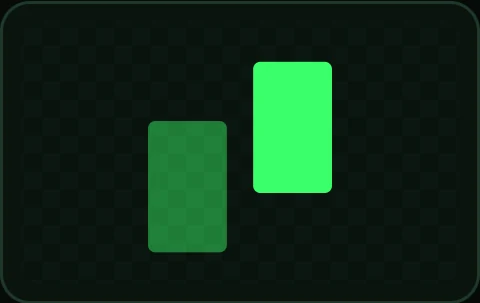 Pedals
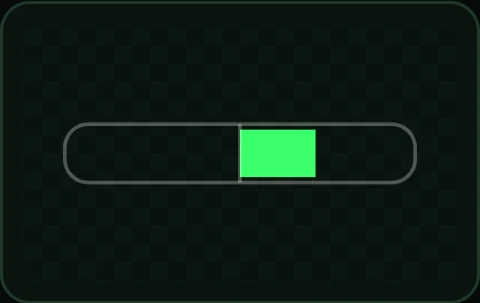 Pedal bar
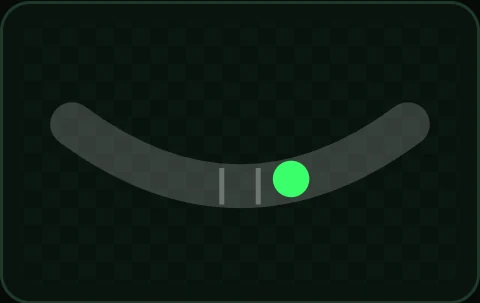 Slip ball
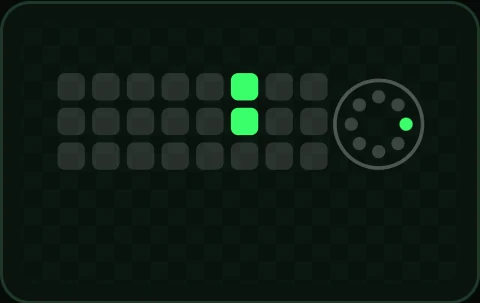 Buttons
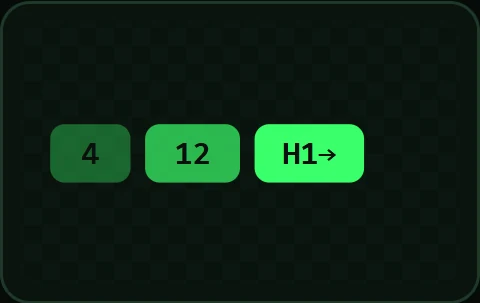 Presses
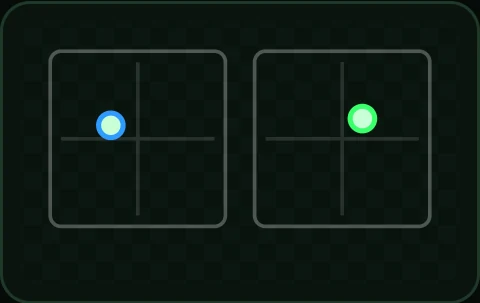 Both sticks
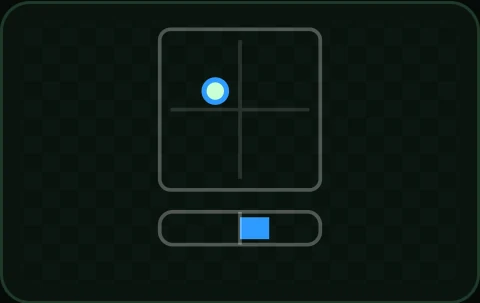 Left stick